

How it works
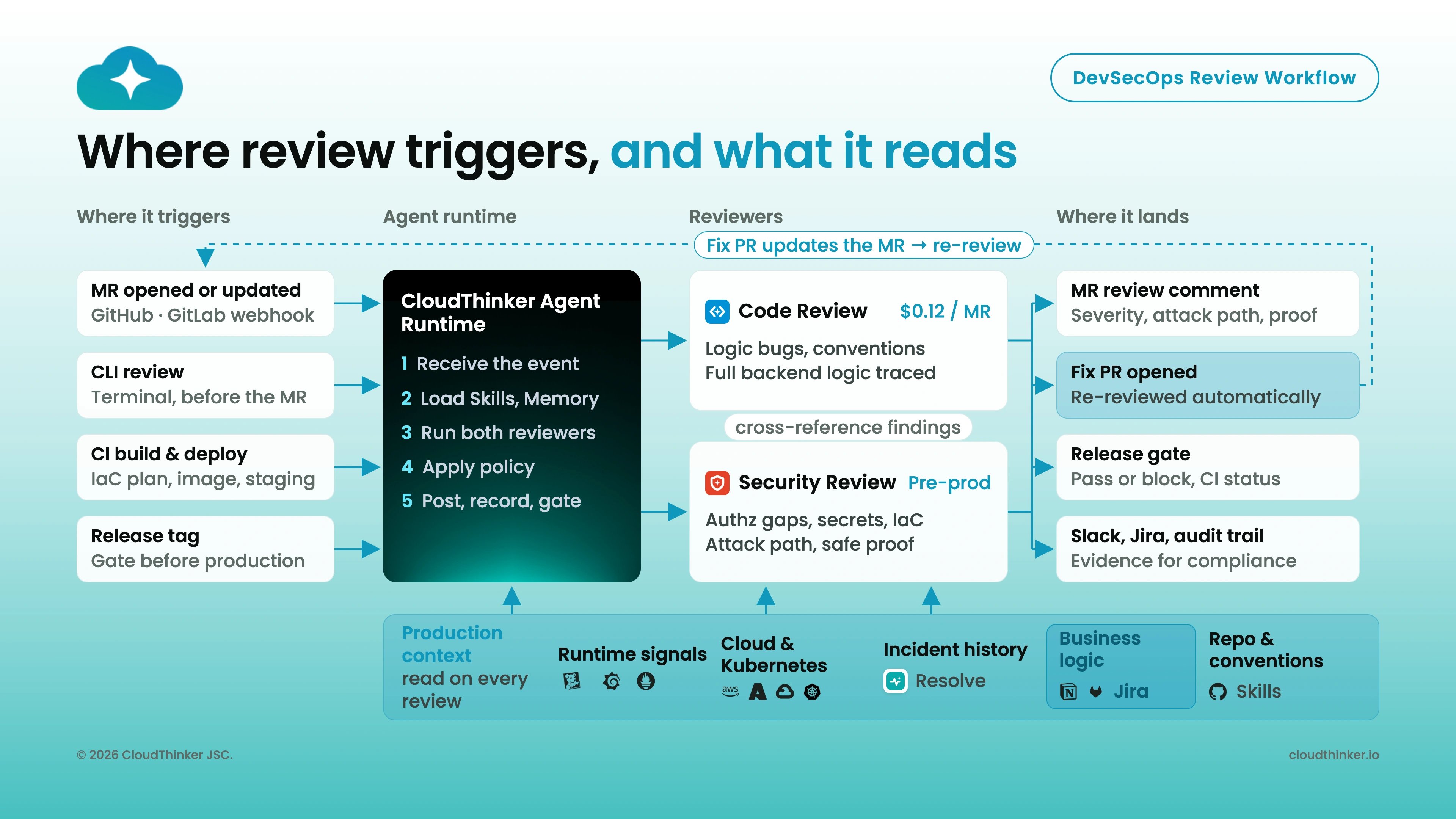
- Detect — a developer opens a pull request on a connected repository. CloudThinker picks it up automatically.
- Gather context — Oliver reads the full diff, any Jira ticket linked in the PR description or branch name, and relevant Confluence documentation.
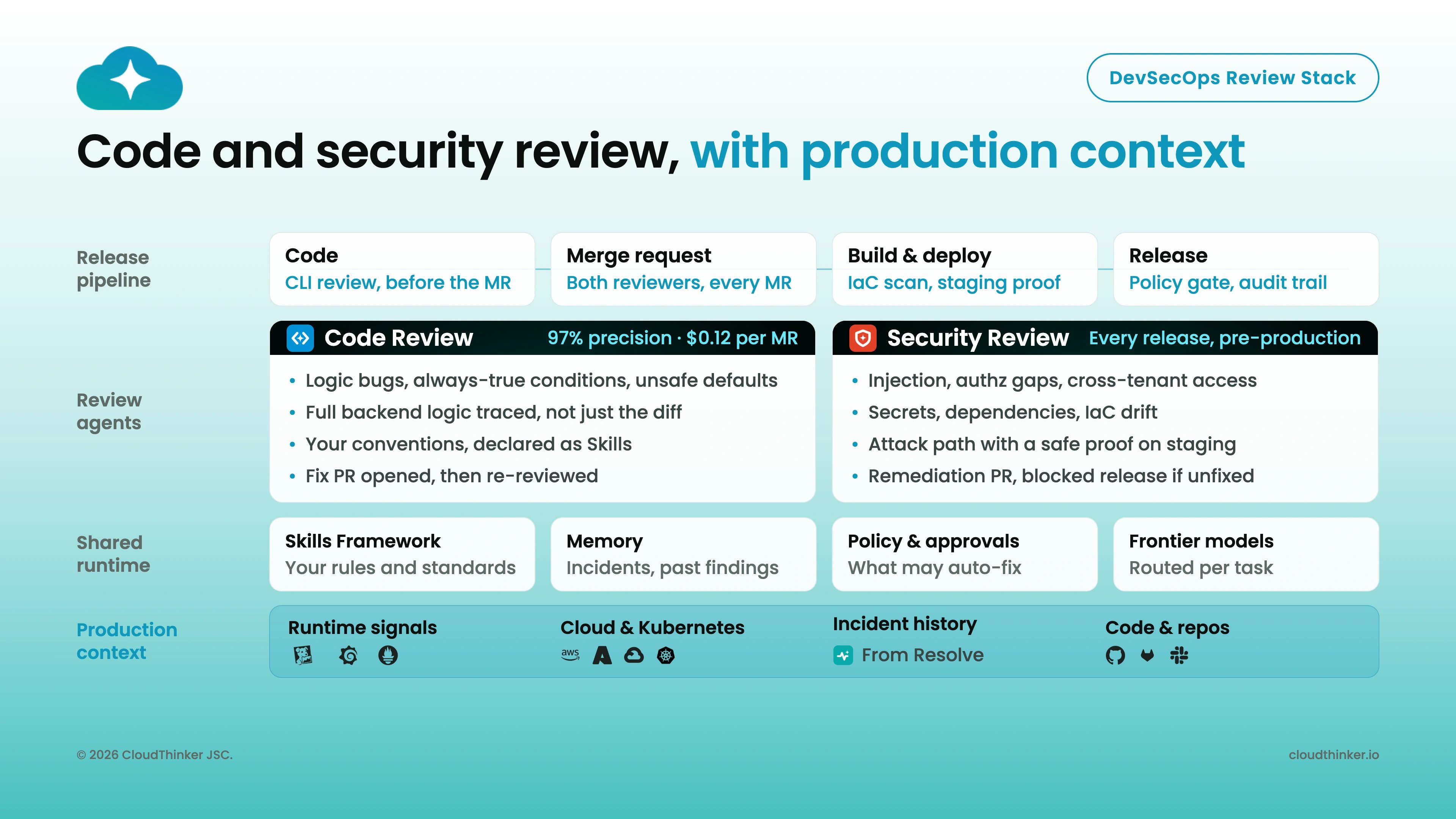
- Analyze — the review runs in parallel across security, quality, and cloud-infrastructure dimensions.
- Post findings — in-line comments land on the PR with exact line references, severity ratings, and remediation guidance.
- Track — when a linked ticket provides acceptance criteria, the review records a ticket-compliance verdict. When you push a fix, the next review verifies it, and every finding feeds Review Insights.
What you can do
Get started
Set up code review
Connect GitHub, GitLab, Bitbucket, and more in under 5 minutes
Mention commands
Interact with CloudThinker directly from PR and MR comments
Learnings
Keep reviews aligned with your team’s convention files and rules learned from past reviews
Review Insights
See which finding domains affect your reviewed merge requests